Offline Navigation in Georgia: Preparing a Route for Your Rental Car
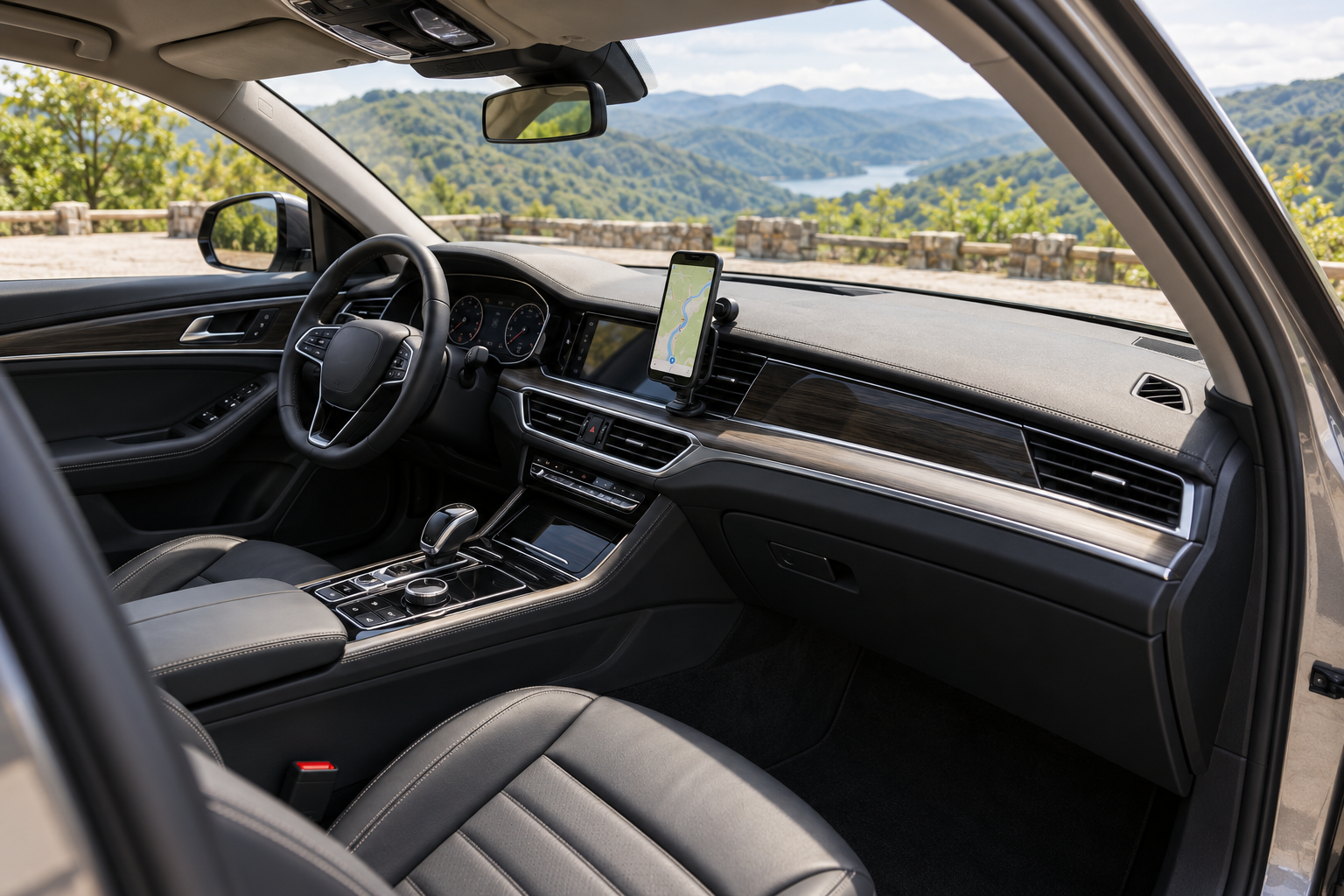
A missed turn in an unfamiliar city can make an otherwise relaxed journey stressful. When arranging car rental in Georgia, prepare your navigation before collecting the keys: your route, meeting point and a backup map. For a journey in a premium sedan, this helps you keep your attention on the road instead of searching for addresses on a phone.
Download the whole journey
Open the offline maps section in Google Maps and select an area to download, where this feature is available. Include your departure point, destination and the roads between them. A longer journey may need several downloaded areas. Wait until the download finishes over Wi-Fi and check the update date. A screenshot of the route line does not provide navigation at junctions.
According to Google Maps Help, offline navigation works when the entire route is inside the downloaded area. Without a connection, traffic information and alternative routes are unavailable. A saved map also cannot confirm that a road is open today or permitted for your rental vehicle.
Confirm the entrance with a person
Ask your hotel to send a pin for its vehicle entrance. A hotel name can lead to a pedestrian doorway, while a similar place name may point to another district. Save the address, coordinates, phone number and a short description of the approach. If your Georgia car hire starts at an airport, confirm the collection point separately: a terminal pin does not identify where the rental representative will meet you.
Break the day into manageable stages: vehicle collection, lunch and your accommodation. Review the overall route and the main towns along it before setting off. If the app suggests a much faster route along a narrow local road, ask the rental company about its surface and whether it is allowed. A road appearing on a map does not establish permission to drive a rental car there.
Set up your phone while parked
The Luxury Cars catalogue includes the Mercedes C300 4Matic and other sedans. Check smartphone connectivity and compatibility on the actual vehicle you receive. Bring a suitable cable and charger, adjust the volume of spoken directions and secure the phone where it will not obstruct your view or interfere with the controls.
- Enter the route and test the sound before moving.
- Keep the rental contact and return address separately from the map.
- Let a passenger change destinations during the journey.
- If travelling alone, find a safe parking place before changing settings.
If the connection disappears
Follow the route you checked beforehand and pay attention to road signs. Missing a turn is no reason to brake sharply or change lanes abruptly. Continue to a place where you can stop safely and check your direction. If the map conflicts with signs, follow the actual traffic arrangements. At a closure, avoid improvising a detour onto an unknown dirt track.
Prepared navigation reduces the number of decisions you need to make behind the wheel. Before booking car rental in Georgia, share your itinerary and read the rental conditions. Having your connection, charging equipment and addresses ready, with spare time for an unhurried stop, makes the journey easier.
Created on Apr 6, 2026 in Статьи
Offline Navigation in Georgia: Preparing a Route for Your Rental Car. Luxury car rental in Georgia at the best price. Book your car now ☎+995 579611111